
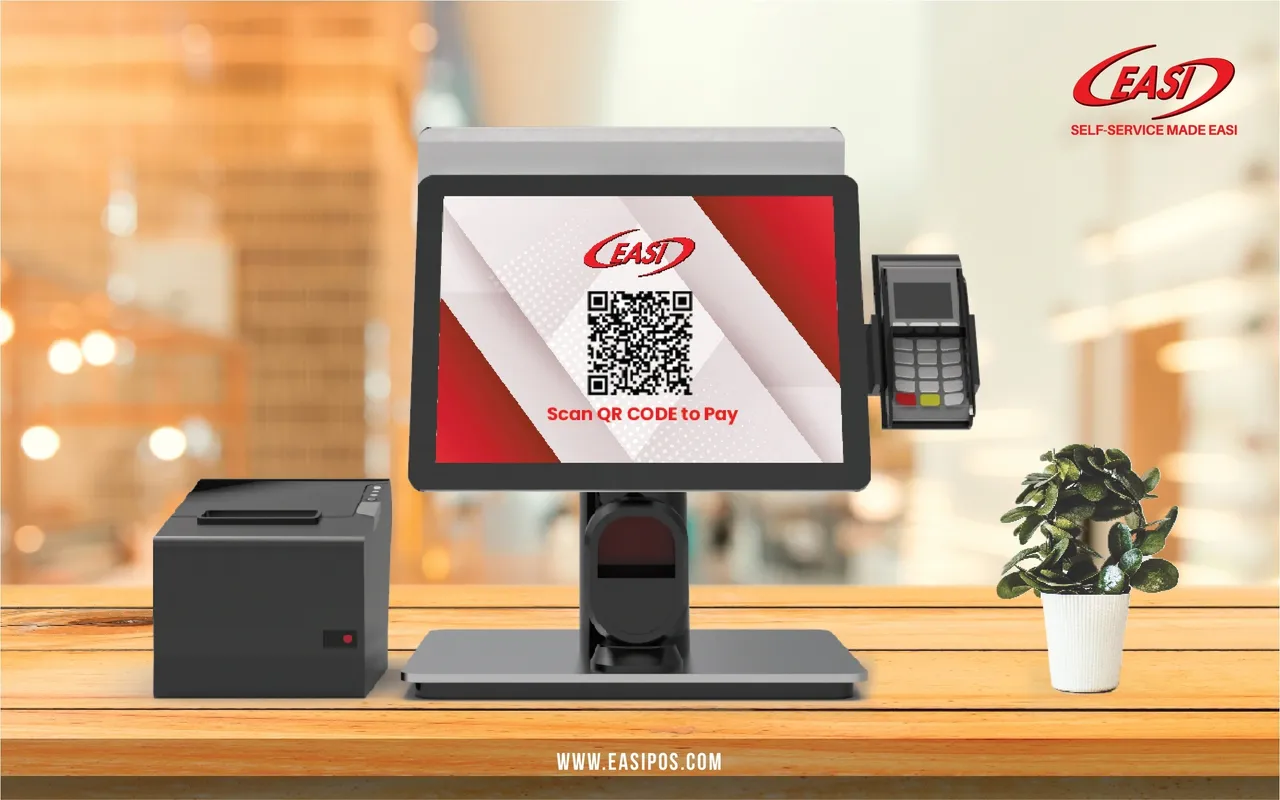
With a customer display screen, customers can see all the details of the items they bought without interfering with the payment process. In a comprehensive set of POS systems, it is one of the most important functions. Having a customer display can make a significant difference in the customer experience by giving the customers access to their order details, thus avoiding confusion, errors, or delays.
What appears on the Customer Display screen?
A customer display screen can show a variety of information that may be useful to customers.
1. Details of the transaction
When your staff scans an item, the name and price of the item appear on the screen. In this way, your customers will no longer have to inquire about prices, since they can verify each item matches the price they expect. Additional information such as discount applied, product quantities, total price, and taxes will also be displayed.
2. Payment and Informative Notifications
The prompt notifications can be set to appear on a customer display screen so your customers can view and respond to an instant message. In some cases, a QR code can be displayed on the screen during checkout so that the customer can scan it to pay instantly and easily. Furthermore, a notification will pop up after every successful purchase to allow your customers to choose whether they would like a paper receipt.
3. Customize promotional campaigns
Customers love to find out what they saved when they make a purchase, and discounts are a great selling point. If a discount requires a certain amount of purchase, the screen can display whether the customer has managed to meet the requirement.
4. Loyalty Points
Once you install a loyalty program for your store, you are able to give your customers information on the rewards or points they have collected with each purchase. When they are aware of how many points they can earn, they will spend more and visit again. Customer displays can be used to encourage customers who aren't already members of your store to become members!
5. Digital Advertisements
You can advertise upcoming sales or seasonal new menu item packages on your customer display screen to ensure your customers won't miss out. By showing ads on the screen, customers can stay engaged while they are bored. By doing so, your customers will be encouraged to return to your store soon to grab the great deals!
Why do you need a Customer Display Screen?
Increasing the effectiveness of the checkout process is a priority for all businesses. POS systems with customer display screens can provide numerous benefits.
1. Streamlining the checkout process
Keeping the checkout process moving smoothly is a crucial component of a customer's experience. Queues frustrate customers. A POS system that comes with a customer display can help eliminate the need for customers to ask about the price of items or discounts. Each item's price, discounts applied, and final totals are readily visible for your customers, which allows them to verify their order information at a glance.
2. Reducing errors
In most cases, customers are concerned about pricing accuracy and ease of checkout. Modern technology can make it easier to avoid human mistakes. The fewer errors that occur, the less time you will spend making last-minute corrections that normally slow down service.
3. Enhance customer satisfaction
Through the use of this technology, you are able to build customer trust by improving accuracy and reducing incorrect purchases. Your customers can rest easy once they know all of their transactions are accurate, and even communicate with your staff in a friendly way.
4. Costs saving
For any business, creating a strong brand presence is imperative. It is possible to reinforce messages you want to share with your customers through a customer display. Depending on your branding, you can customize and adjust the display. This will save you money on traditional in-store advertising.
Contact EASI now!
A customer display is not a standalone device. You should install an all-in-one POS in order to integrate a customer display into your checkout lane. As it uses the same software as the POS system, all information entered into the POS is automatically reflected on the customer display screen. Our EASI POS system is designed to be user-friendly, both for your staff and your customers. Contact us today for a free quote!
